
Order Management
The order fulfillment process refers to the steps involved in receiving, processing, and delivering customer orders. Here’s a general overview of the typical order fulfillment process:
1. Order Placement
Customers place orders through various channels such as online stores, phone calls, or in-person purchases.

2. Order Processing
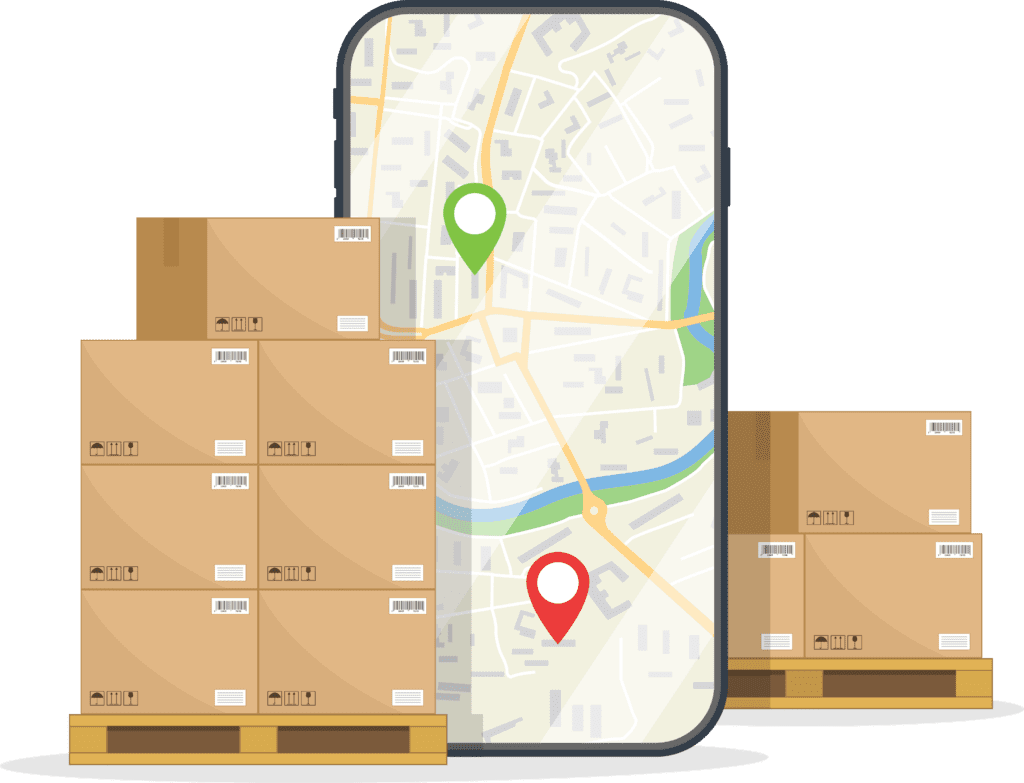
Once an order is received, it needs to be processed. This involves verifying the order details, checking inventory availability, and preparing the order for shipment.
3. Inventory Management
Inventory management is crucial to ensure that the products ordered are available in stock. If products are out of stock, appropriate measures need to be taken, such as backordering or informing customers of the delay.
4. Picking
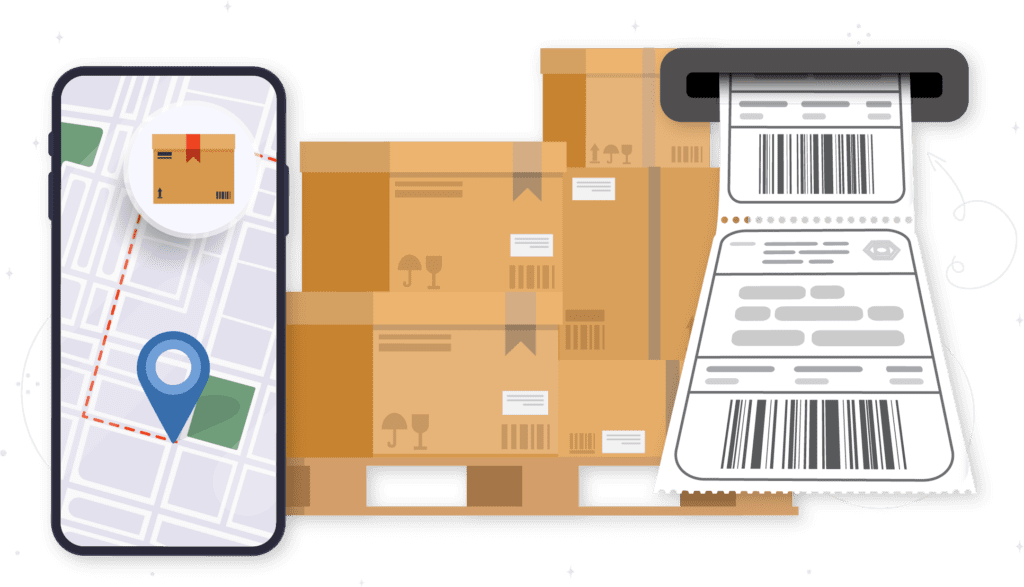
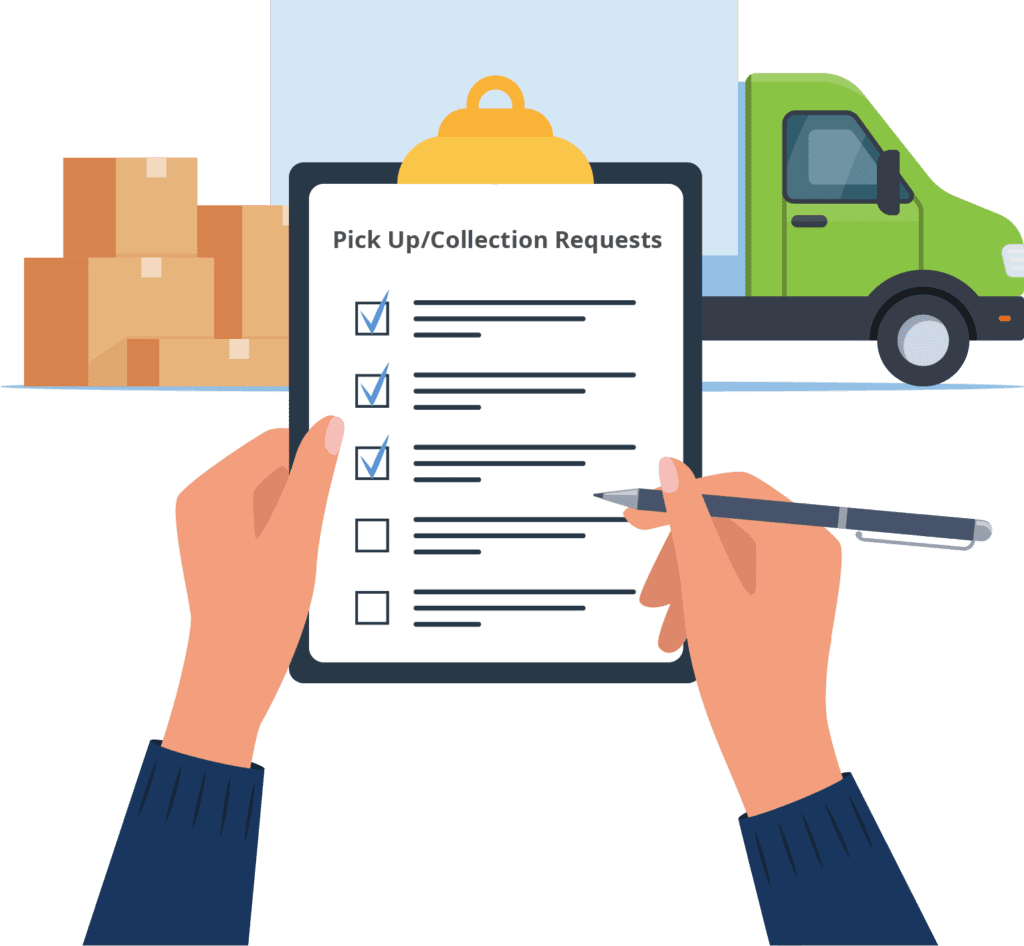
After processing, items need to be picked from the warehouse shelves. This involves locating the products listed on the order and gathering them for packaging.
5. Packing
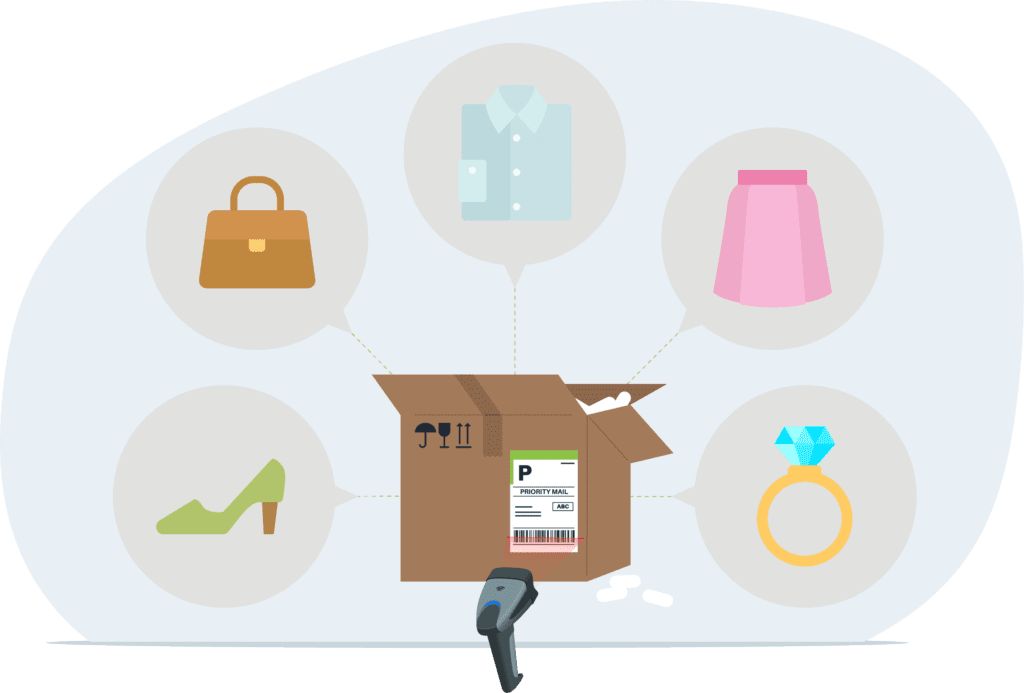
Once items are picked, they are packed securely for shipment. Packaging may vary depending on the type of product and shipping method chosen.
Filtering Orders
Filtering orders by various criteria is a common practice in order management systems. Here are some examples of how orders can be filtered:
By Field
Orders can be filtered based on any relevant field in the order data, such as customer name, order ID, product SKU, order status, or shipping address.
By Errors
Orders that have encountered errors during processing, such as payment failures, address validation issues, or inventory discrepancies, can be filtered to address and resolve these issues efficiently.
By Transaction Date
Orders can be filtered based on the date the transaction occurred, allowing businesses to view orders within a specific timeframe, such as today, this week, this month, or a custom date range.
By Approval Levels
For businesses with hierarchical approval processes, orders can be filtered based on approval levels. This allows managers or administrators to review orders pending approval at different stages in the workflow.
By Order Status
Orders can be filtered based on their current status, such as pending, processing, shipped, delivered, canceled, or returned. This helps track the progress of orders through the fulfillment cycle.
By Product Attributes
Orders can be filtered based on specific product attributes, such as category, brand, size, color, or price range. This is particularly useful for businesses with diverse product offerings.
By Customer Segments
Orders can be filtered based on customer segments or demographics, such as new customers, repeat customers, VIP customers, or customers from a specific geographic region.
By Shipping Method
Orders can be filtered based on the chosen shipping method, enabling businesses to track orders based on their delivery preferences, such as standard shipping, expedited shipping, or in-store pickup.
By Sales Channel
Orders can be filtered based on the sales channel through which they were received, such as online store, mobile app, phone orders, or in-person sales at brick-and-mortar locations.
By Order Value
Orders can be filtered based on their total value, allowing businesses to focus on high-value orders or identify trends in purchasing behavior.









































Save Money
Manage service selection and cost decisions with expertise, using real-time rate shopping to ensure you never overpay for shipping.
Save Time
Reduce shipping labor by up to 95% with automation that handles everything from service selection to label generation with just a scan.
Grow Your Business
Maximize efficiency so you can focus on growing your business without worrying about handling more orders. With 2Ship, you get a single, scalable solution that consolidates all your logistics activity, helping you manage and grow your shipping volume effortlessly.
Scalable and Web-Based
Because 2Ship is web-based, it’s scalable across all your fulfillment locations. Simply log in from any device to access your complete shipping data, track every shipment, run reports across all locations and carriers, and manage your entire shipping operation from a real-time dashboard.